Rinkukado
Link previews for WordPress. A visitor points at a link to a post of the same site, and a popover shows the title, the excerpt and the thumbnail of that post.
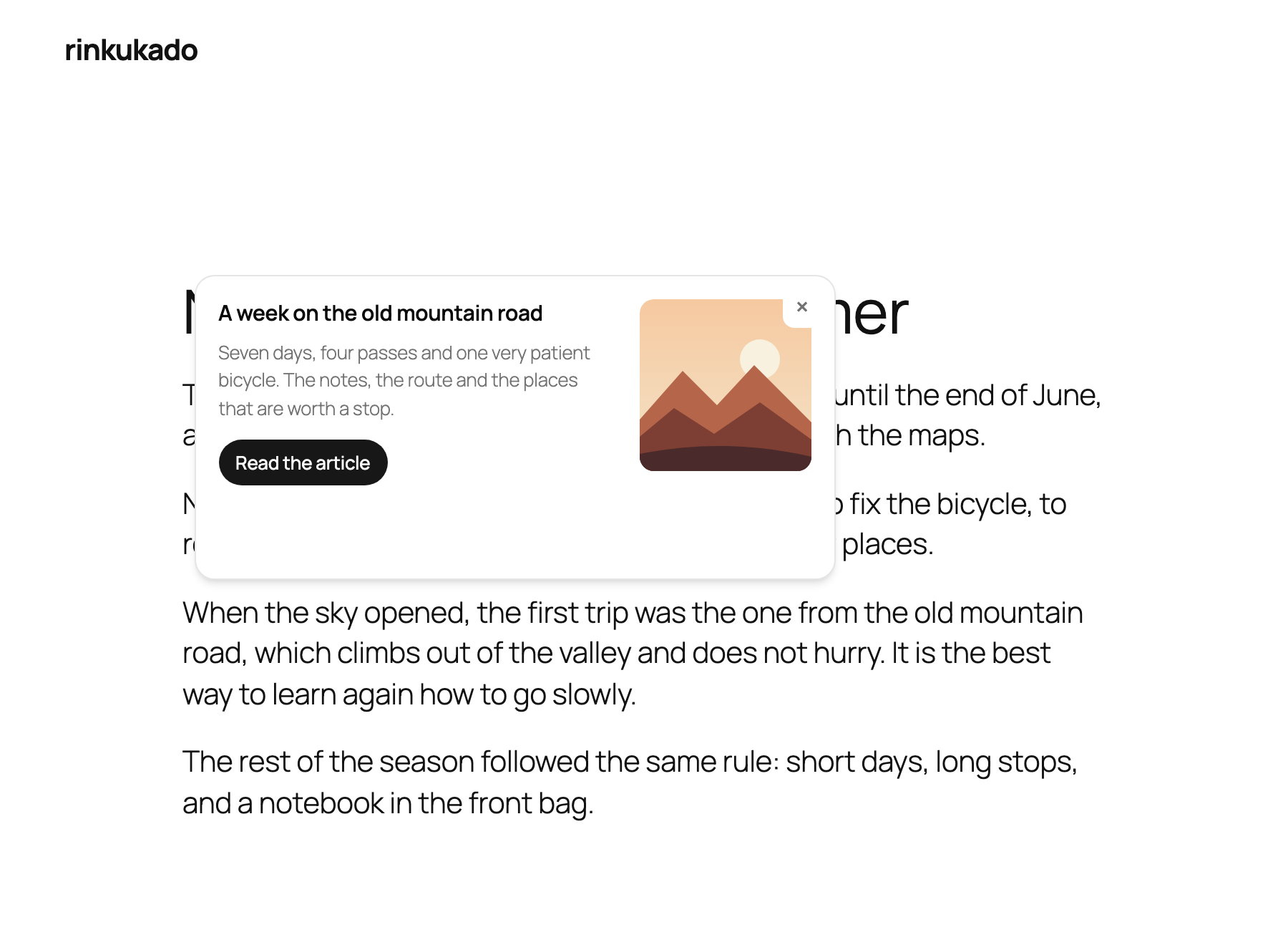
- No configuration. Activate the plugin, and the links of the prose show a preview.
- Built for each device. A hover popover on a desktop, a bottom sheet on a touch screen.
- Accessible. The keyboard opens, enters and closes the popover, and the focus returns to the link.
- Light. One script module on the Interactivity API, one REST endpoint, HTTP cache headers, and a cache on the client for the page session.
How it works
The device chooses one of three modes:
| The device | What the visitor gets |
|---|---|
| a coarse pointer, at any width | the sheet, opened by a tap |
| a fine pointer, in a window of 782px or more | the anchored popover, opened by a hover |
| a fine pointer, in a narrower window | no popover, and links behave as they do without this plugin |
On a touch device, the first tap opens the sheet, and the second tap of the same link opens the article.
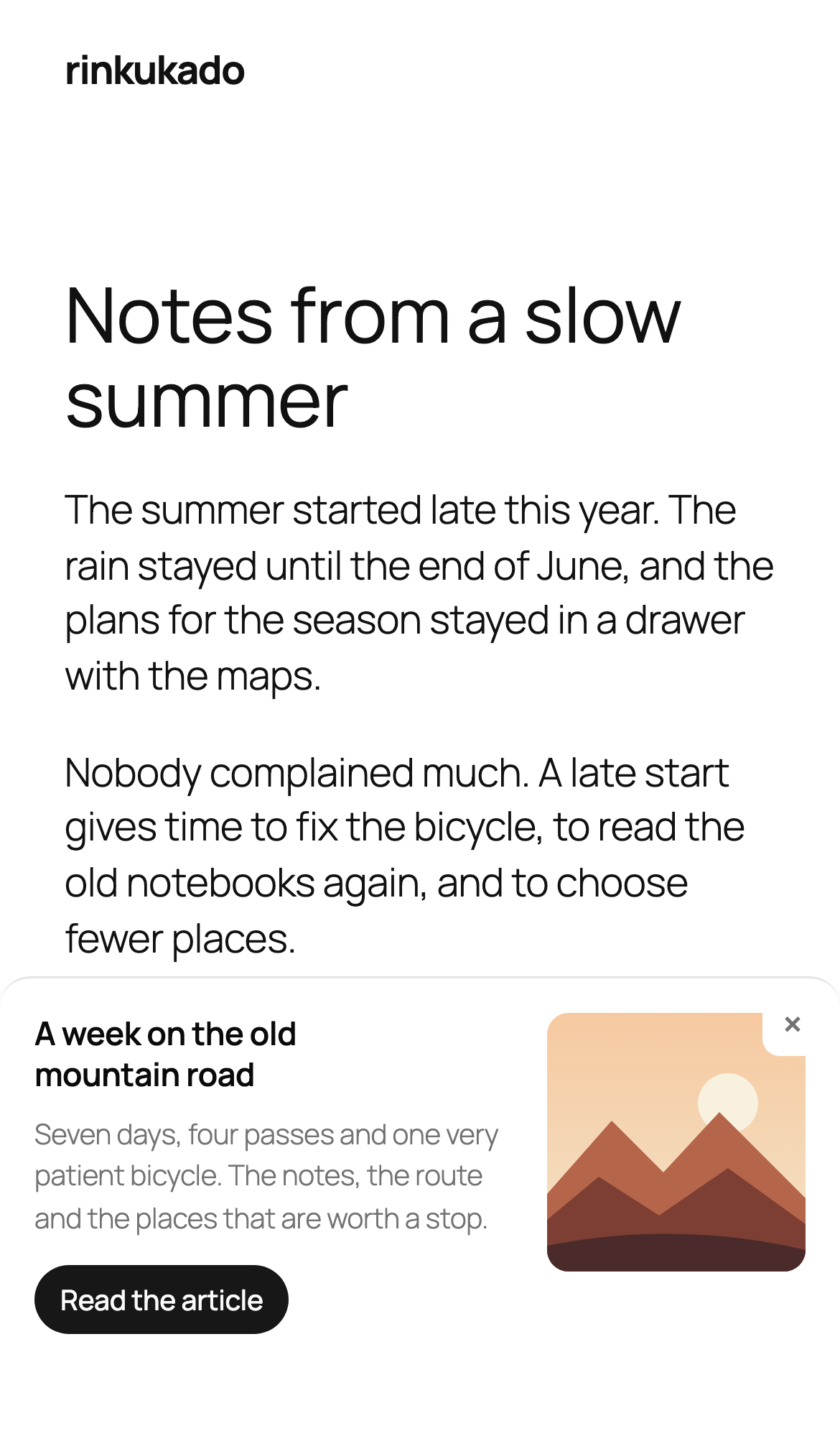
The third row keeps a promise: a sheet at the bottom of a narrow window loses the hover before the pointer reaches it, and a click that opens a sheet swallows the navigation. The popover returns when the window grows, with no reload.
Requirements
- WordPress 7.1 or later
- PHP 8.4 or later
Development explains how to build the plugin from the source.
Where to go next
| Document | Content |
|---|---|
| Customize | The filters, and how to add a module to the plugin. |
| Preview | The client of the popover, and diagrams of how its modules work together. |
| Interactivity | The shared helpers that check the server data of a store. |
| Popover | The dialog markup, the script module, and the config and state of the store. |
| Preview (server) | The preview endpoint, its payload, its errors, its cache and its filters. |
| REST | The library for routes, schemas, controllers and middlewares. |
| Development | Quick start, requirements, local environment, quality commands and layout. |
| Testing | The four test layers, and when to use each one. |